Watch what you love.
Keep the English
you can use.
EnglishHelper is a Chrome extension for learning English with YouTube. Discover words, phrases and slang in English captions, with the original context always close by.
Invitation-only testing · Chrome Web Store release in preparation

From hearing a word
to making it your own.
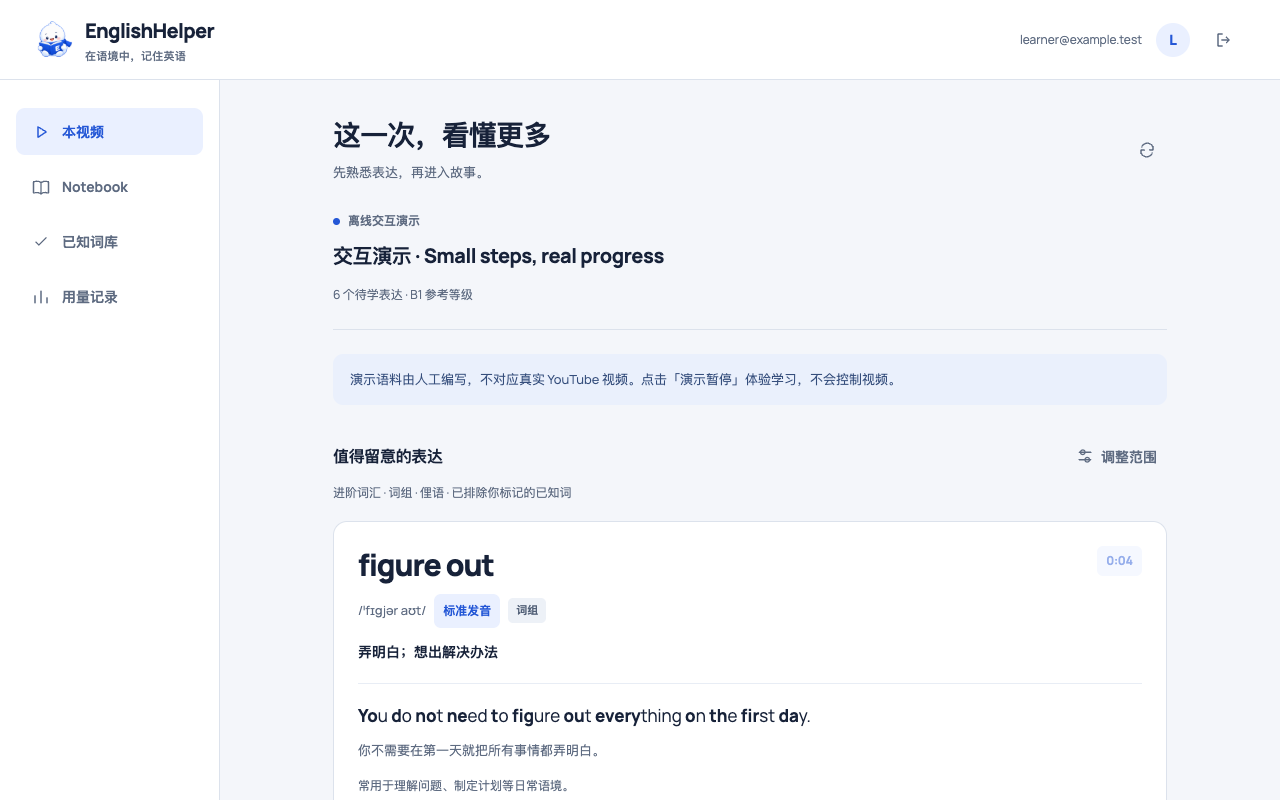
Meet the expressions first
Choose your reference level and learning interests: vocabulary, phrases, slang and more. Mark familiar expressions as known to help filter future recommendations.
Hear it where it happened
See pronunciation, Chinese meanings, the original sentence and its translation. Jump to the moment in the source video, or listen to standard pronunciation and the original clip.
Keep it. Then use it.
Save useful expressions to your Notebook. Write your own sentence, ask for AI feedback and try again. Type, use your computer’s dictation, or enter text with an external Whisper tool.
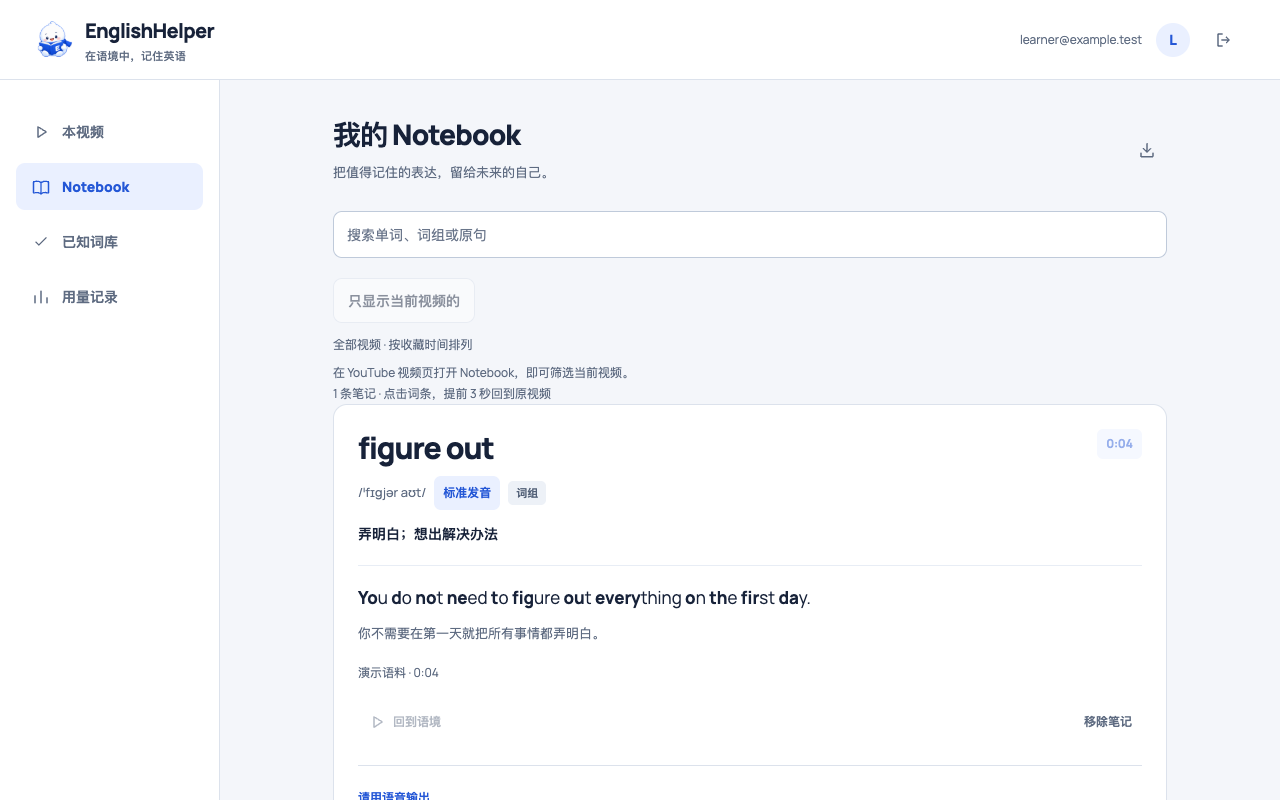
Your Notebook.
A way back to the moment.
Saved expressions keep their source and timestamp. Replay from a few seconds before the sentence, without searching through the whole video. If the source video is already open, EnglishHelper uses that tab when available.
Before you get started
Which videos work?
EnglishHelper is designed primarily for YouTube videos with English captions. Caption availability and platform access restrictions can prevent analysis. You can also import subtitle files such as SRT and VTT.
What does the AI receive?
Analysis sends relevant captions and learning preferences to our service and its configured AI provider. Sentence feedback processes the text you submit. Read the privacy policy for details on use, retention and deletion.
Do I need to record audio in the extension?
No. Sentence practice accepts text. Use your system’s dictation or your own Whisper tool, then review the text before submitting. AI analysis, translations and feedback can be inaccurate; check the source when in doubt.
Let your next video
stay with you a little longer.
Access is currently by invitation. You need the Chrome extension and an account to use the learning features. A store installation link will appear here after publication.